FitnessStats 2.8: Share your workouts
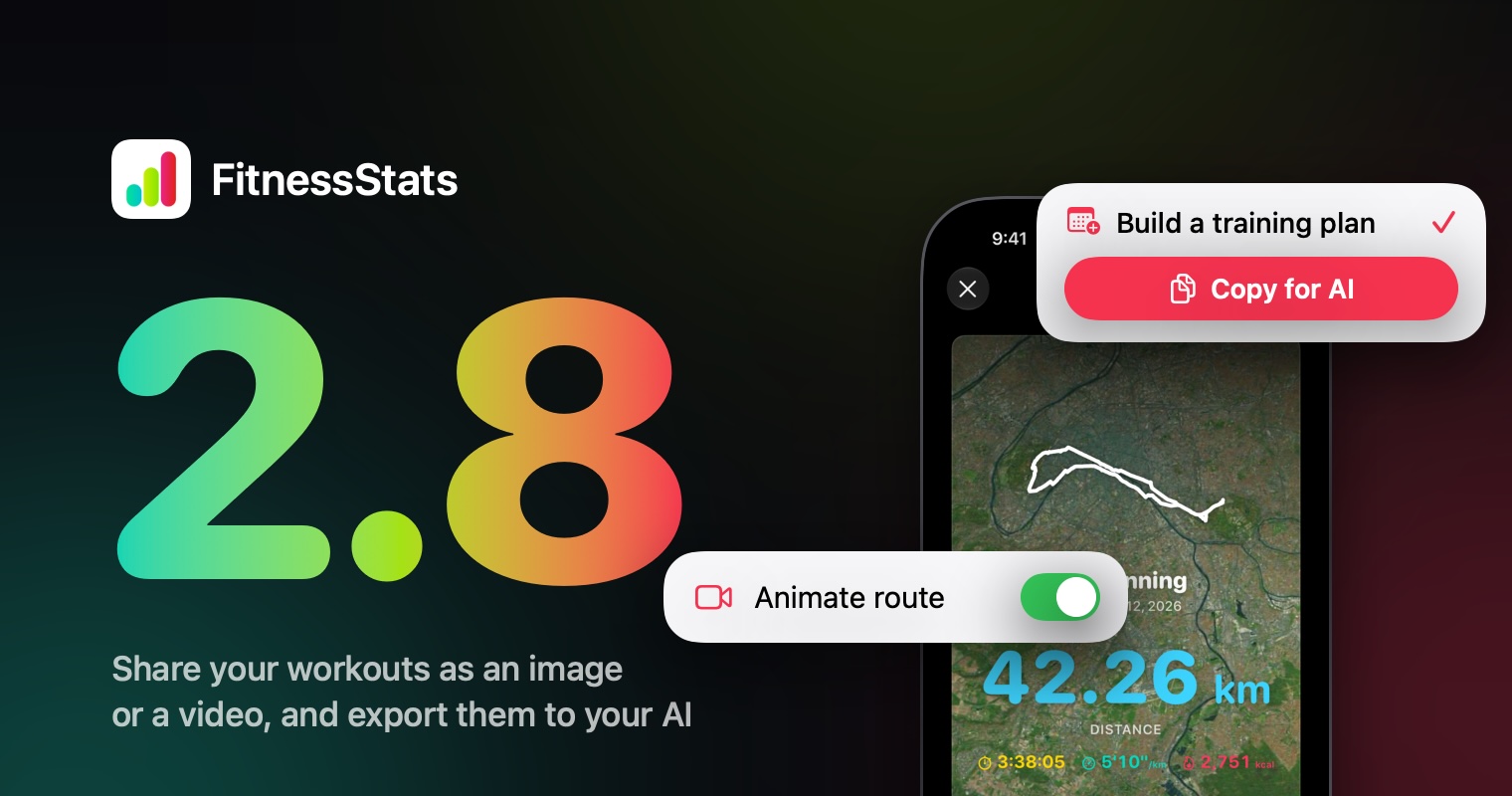
FitnessStats 2.8 is out. This update is about what happens after a workout: sharing it the way you want, as an image or as a video where your route draws itself, and handing your training to your AI assistant for an honest look at it. Here is a quick tour.
Share any workout
Tap a card on your dashboard, then tap one of its workouts: the share editor opens. Pick a layout, a format for stories, posts or a square, and a background: a color, your route on a map or a satellite view, or one of your photos.
Everything on the image can be dragged, pinched and rotated, and you choose which numbers it shows. FitnessStats remembers your choices, so the next workout is ready to share in one tap. Share it, save it to Photos or copy it.
The Classic and Summary layouts are free. The other layouts and removing the watermark come with FitnessStats Premium.
Your route, drawn as a video
Turn on Animate route in the Data tab, and Share or Save to Photos make a short video instead of an image: your route draws itself on the map, ready for a story. On long routes the camera follows you, then pulls back at the end to show the whole thing.
Triathlons get the same treatment. The swim, the ride and the run draw one after the other, each with its own badge, and the image can show the distance and time of every leg.
Export to AI
ChatGPT, Claude and Gemini are good at reading a training log, as long as you give them one. Open your profile and choose Export to AI. Pick what you want to know: an analysis of your progress, a review of your training, a 4-week training plan, or just the data. Choose a period and an activity, tap Copy for AI, then paste it into your assistant.
The summary holds your totals, weekly volume, records and consistency, and the request is written in your language so the answer comes back in it. Nothing leaves your iPhone until you paste or share it, and GPS routes, device names and Health identifiers are never included.
In Shortcuts, the new Get Workout Summary action returns the same summary, so an automation can hand it to your AI app.
Periods up to 90 days are free. Longer periods, and the raw CSV and JSON export, come with Premium.
Also in this update
- Triathlons now count their distance, calories and elevation gain in your stats.
- Tapping a dashboard card opens a cleaner detail: the headline figure, a chart over your period and the workouts behind it.
- Your profile now groups Export to AI and Share workouts under Tools.
- The upgrade screen and the widgets are now fully translated in every language FitnessStats speaks.
- FitnessStats now requires iOS 26.