FridgeBuddy 2.35: Undo
FridgeBuddy 2.35 is out. This update is about small slips and interruptions: a wrong swipe is now one tap away from being undone, and FridgeBuddy comes back exactly where you were, even after iOS closed it. Here is what changed.
Undo in one tap
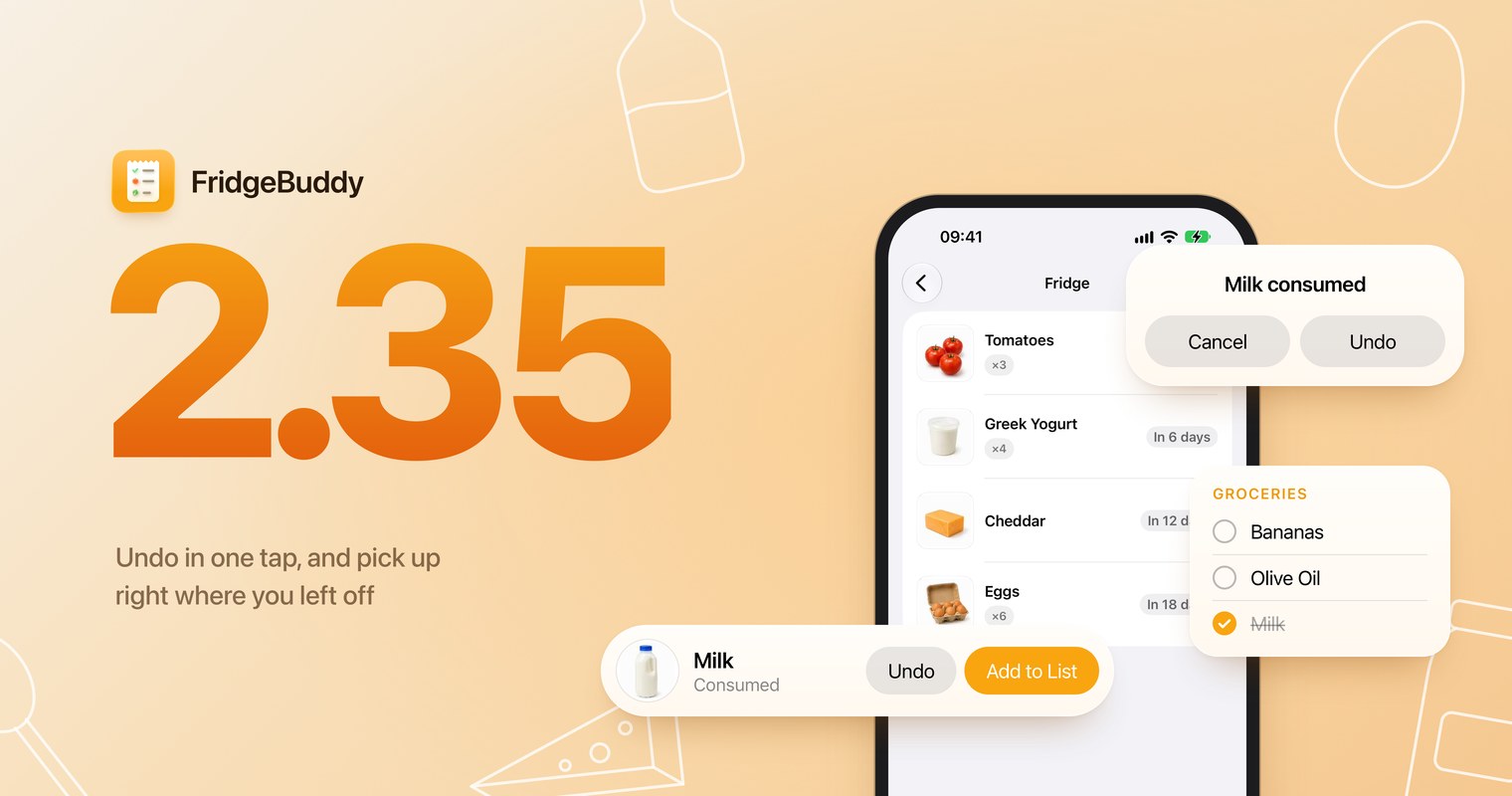
Consuming, throwing away or deleting an item used to ask you to confirm first. Now it happens at once, and a banner at the bottom of the screen offers Undo for a few seconds. Tap it and the item is back in its storage as it was, with its dates, its photo and its reminder.
If you asked FridgeBuddy to offer adding finished items to your shopping list, the same banner has an Add to List button, so finishing the milk no longer stops you with a question. You can also shake your iPhone to undo, or press ⌘Z with a keyboard on iPad.
Deleting a storage is different: it removes every item in it, for your whole household if you share it, and it can’t be undone. So FridgeBuddy now asks first when the storage still has items.
Right where you left off
When it needs memory, iOS quietly closes apps you haven’t used for a few minutes. It happens to every app, and until now FridgeBuddy then started over on Inventory. Not great if you locked your phone halfway through the shopping.
FridgeBuddy now reopens on the tab you were using and on the shopping list you had open, as if it had never been closed.
If you close FridgeBuddy yourself in the app switcher, it still starts fresh.
Also in this update
- Export as CSV in Settings writes dates the same way in every region, Excel shows accents correctly, and the file is named after the day you exported it.
- Storage widgets use FridgeBuddy’s orange instead of blue, and the Opened list shows its icon in widgets.
- Shopping lists offer Rename like storages do, a search inside a storage that finds nothing says so clearly, and the Lock Screen widget says “0 items”.