FridgeBuddy 2.36: Reminders and opened food
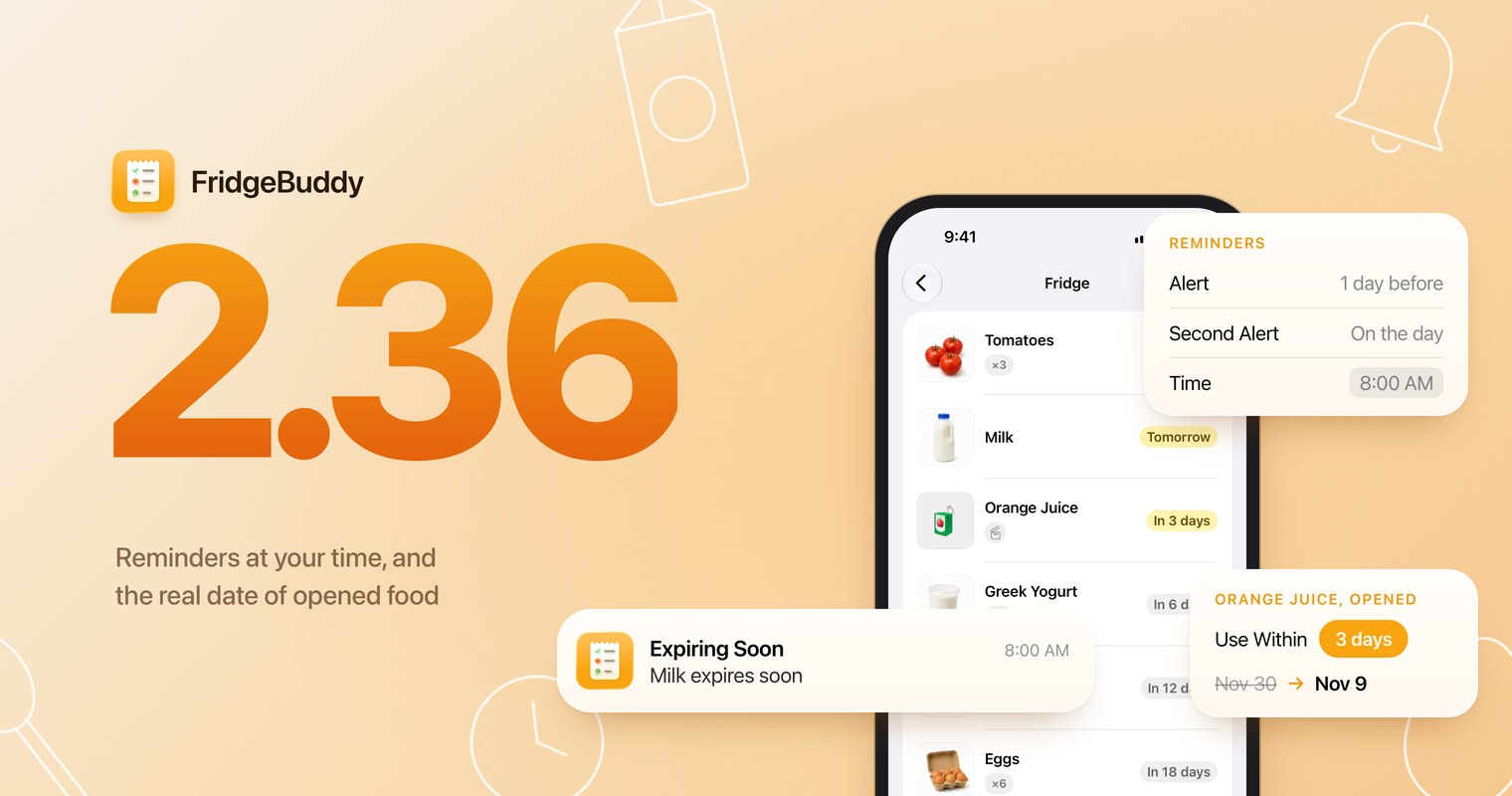
FridgeBuddy 2.36 is out. This update is about timing: reminders now arrive when it suits you, and a carton you just opened gets the date it really has once open. Here is what changed.
Reminders at your time
Until now, FridgeBuddy reminded you two days before an item’s date, at 11 AM, unless you changed it storage by storage. Now you choose, once, for your whole inventory.
In Settings › Notifications, pick an Alert (on the day, 1, 2 or 3 days, 1 or 2 weeks before), an optional Second Alert and the Time, the same way you set alerts in Calendar. Items you already added follow the change at once, and the list below shows every upcoming reminder with its time.
A storage can still keep its own: in its Notification Settings, turn on Custom Alert and Time. Your freezer can wait a week; your fridge, maybe not.
If you never change anything, nothing changes: reminders still arrive 2 days before, at 11 AM.
Use within 3 days of opening
A carton of juice can keep for weeks, until you open it. Most packages say so: “use within 3 days of opening.” FridgeBuddy now knows it too.
When you mark an item as opened, choose Use Within: 1, 2, 3 or 5 days, 1 or 2 weeks, 1 month, or a custom date. FridgeBuddy moves the expiration date to the day it gives, and your reminders follow. It never pushes a date later: if the printed date comes first, it stays.
Mark the item unopened again and its original date comes back. The time stays with the item, so the next one from the same pack opens with it already filled in.
Items without their own time start from Use Within in Settings › Inventory › Opened Items.
Also in this update
Items without a photo now show a food emoji that matches their name, in every language FridgeBuddy speaks: 🥛 for milk, 🧀 for cheddar, 🧃 for orange juice. A name it doesn’t recognize keeps the plain placeholder.